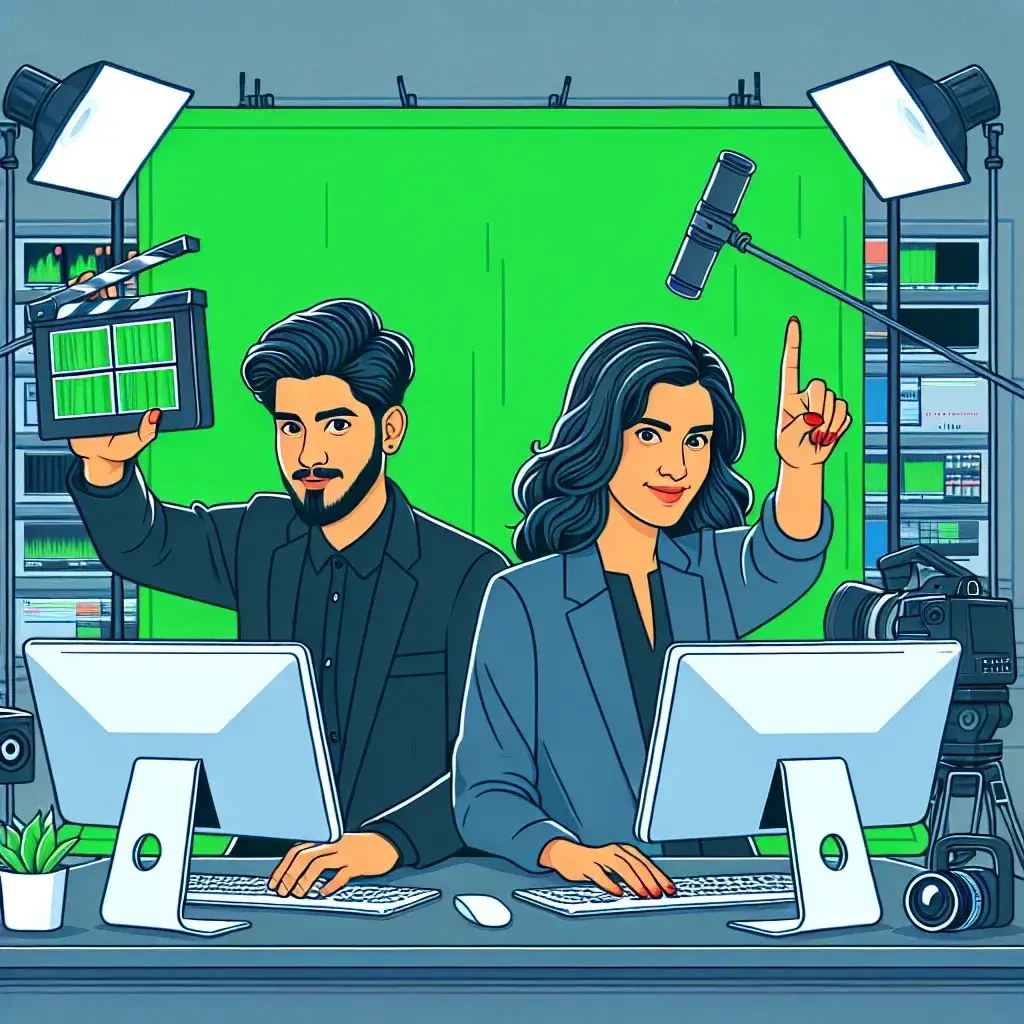
Green screen technology, also known as chroma key compositing, has revolutionized the way we create visual content. From Hollywood blockbusters to YouTube videos, this powerful technique allows creators to transport subjects to any location or environment imaginable. The best part? You don’t need expensive software to achieve professional-looking results.
Understanding Green Screen Technology
Green screen effects work by replacing a specific color (typically bright green) with another image or video. This process, called chroma keying, isolates the subject from the background, enabling seamless compositing. The technology dates back to the 1940s when it was first used in weather forecasting, but today it’s accessible to anyone with basic video editing knowledge.
The principle behind green screen is simple: the software identifies pixels of a particular color and makes them transparent, allowing background footage to show through. Green is chosen because it’s rarely found in human skin tones and clothing, making it easier to isolate subjects cleanly.
Essential Equipment for Green Screen Success
Before diving into software tutorials, it’s crucial to understand the hardware requirements for effective green screen work. Proper lighting is absolutely critical – uneven illumination creates shadows and color variations that make keying difficult.
- A quality green screen backdrop (fabric, paint, or paper)
- Even lighting setup with at least three light sources
- A decent camera capable of recording in good resolution
- Adequate distance between subject and backdrop
- Consistent color temperature across all light sources
Professional cinematographers recommend maintaining at least six feet between the subject and the green screen to minimize color spill – the reflection of green light onto the subject that can complicate the keying process.
Top Free Video Editors for Green Screen Effects
DaVinci Resolve
Considered the gold standard among free video editing software, DaVinci Resolve offers professional-grade chroma key tools. Its advanced color correction capabilities make it particularly effective for green screen work. The software includes multiple keying methods, including 3D keyer and HSL keyer, providing flexibility for different scenarios.
OpenShot
This open-source editor provides user-friendly chroma key functionality perfect for beginners. OpenShot’s straightforward interface makes it easy to apply green screen effects without overwhelming new users. The software supports multiple video formats and offers real-time preview capabilities.
Shotcut
Another excellent open-source option, Shotcut features robust chroma key filters with extensive customization options. Its timeline-based editing approach feels familiar to users coming from other editing platforms. The software regularly receives updates and has an active community providing tutorials and support.
HitFilm Express
Combining video editing with visual effects capabilities, HitFilm Express offers sophisticated compositing tools typically found in premium software. Its chroma key effect includes edge feathering and spill removal options for professional results.
Step-by-Step Green Screen Tutorial
Phase 1: Preparation and Recording
Begin by setting up your green screen in a well-lit area. Ensure the backdrop is wrinkle-free and evenly illuminated. Record your subject with consistent lighting, maintaining steady camera work. Avoid wearing green clothing or accessories that might disappear during the keying process.
Phase 2: Importing and Timeline Setup
Import both your green screen footage and background video into your chosen editor. Place the green screen clip on the upper video track and the background footage on the lower track. This layering is essential for proper compositing.
Phase 3: Applying Chroma Key Effect
Locate the chroma key or green screen effect in your software’s effects panel. Apply it to the upper video track containing your green screen footage. Most editors will automatically detect the green color, but manual adjustment may be necessary for optimal results.
Phase 4: Fine-tuning Parameters
Adjust key parameters to perfect your composite:
- Threshold: Controls how much of the green is removed
- Tolerance: Determines the range of green shades affected
- Edge Feather: Softens the edges for natural blending
- Spill Suppression: Removes green reflections on the subject
Advanced Techniques for Professional Results
Mastering basic green screen is just the beginning. Professional compositors employ several advanced techniques to achieve seamless integration between foreground and background elements.
Color Matching and Grading
Ensuring your subject matches the lighting and color temperature of the background is crucial for believable composites. Use color correction tools to adjust brightness, contrast, and color balance. Pay particular attention to shadows and highlights – they should correspond to the lighting conditions in your background footage.
Motion Blur and Depth of Field
Adding appropriate motion blur and depth of field effects helps integrate your subject into the background scene. If your background has shallow depth of field, consider adding subtle blur to your subject’s edges to match the focal characteristics.
Shadow and Reflection Integration
Creating convincing shadows and reflections significantly enhances realism. Use the background environment to determine where shadows should fall, then create matching shadows for your subject using masking and opacity adjustments.
Common Challenges and Solutions
Dealing with Hair and Fine Details
Hair presents unique challenges in green screen work due to its fine, translucent nature. Use dedicated hair keying tools available in advanced editors, or employ multiple keying passes with different settings for optimal results. Consider using a higher resolution capture to retain more detail in fine edges.
Lighting Inconsistencies
Uneven lighting creates varying shades of green that can be difficult to key cleanly. Address this during filming with proper lighting setup, or use multiple chroma key layers with different tolerance settings to handle various green tones.
Color Spill Removal
Green light reflecting onto your subject creates color spill that can make composites look artificial. Most modern editors include spill suppression tools, but manual color correction may be necessary for perfect results. Focus on areas where green reflection is most visible, typically around edges and on white or light-colored clothing.
Optimizing Performance and Workflow
Green screen work can be processor-intensive, especially when working with high-resolution footage. Consider creating proxy files for smoother editing experience, then render at full resolution for final output. Organize your project files systematically, keeping source footage, backgrounds, and project files in clearly labeled folders.
Many free editors support plugins and extensions that can enhance green screen capabilities. Research community-developed tools that might expand your software’s functionality without additional cost.
Creative Applications and Ideas
Green screen technology opens unlimited creative possibilities. Content creators use it for virtual backgrounds in streaming, educational videos with animated environments, and artistic projects combining multiple visual elements. Consider experimenting with animated backgrounds, particle effects, or even multiple green screen layers for complex composites.
The technique isn’t limited to replacing entire backgrounds – selective keying can remove specific objects or create transparent elements for graphic overlays. This versatility makes green screen an invaluable tool for various content creation scenarios.
Troubleshooting Common Issues
When green screen effects don’t work as expected, several factors might be responsible. Poor lighting remains the most common culprit, followed by incorrect software settings and inadequate distance between subject and backdrop. Systematic troubleshooting involves checking each element: lighting setup, camera settings, subject positioning, and software configuration.
If edges appear harsh or unnatural, increase edge feathering or apply subtle blur effects. For persistent color spill, try adjusting the spill suppression settings or manually color-correct affected areas using targeted adjustment tools.
Future of Green Screen Technology
Artificial intelligence and machine learning are increasingly being integrated into video editing software, making green screen work more automated and accessible. Future developments may include real-time AI-powered keying that requires minimal manual adjustment, making professional-quality compositing available to even more creators.
Virtual production techniques used in major film productions are also becoming more accessible, with real-time compositing capabilities appearing in consumer-level software. This evolution suggests that green screen technology will continue becoming more powerful while remaining user-friendly.
Mastering green screen effects with free editors empowers creators to produce professional-quality content without significant financial investment. With proper technique, patience, and practice, anyone can achieve impressive results that rival expensive commercial software. The key lies in understanding the fundamentals, investing time in proper setup, and continuously experimenting with different approaches to find what works best for your specific projects.
Leave a Reply