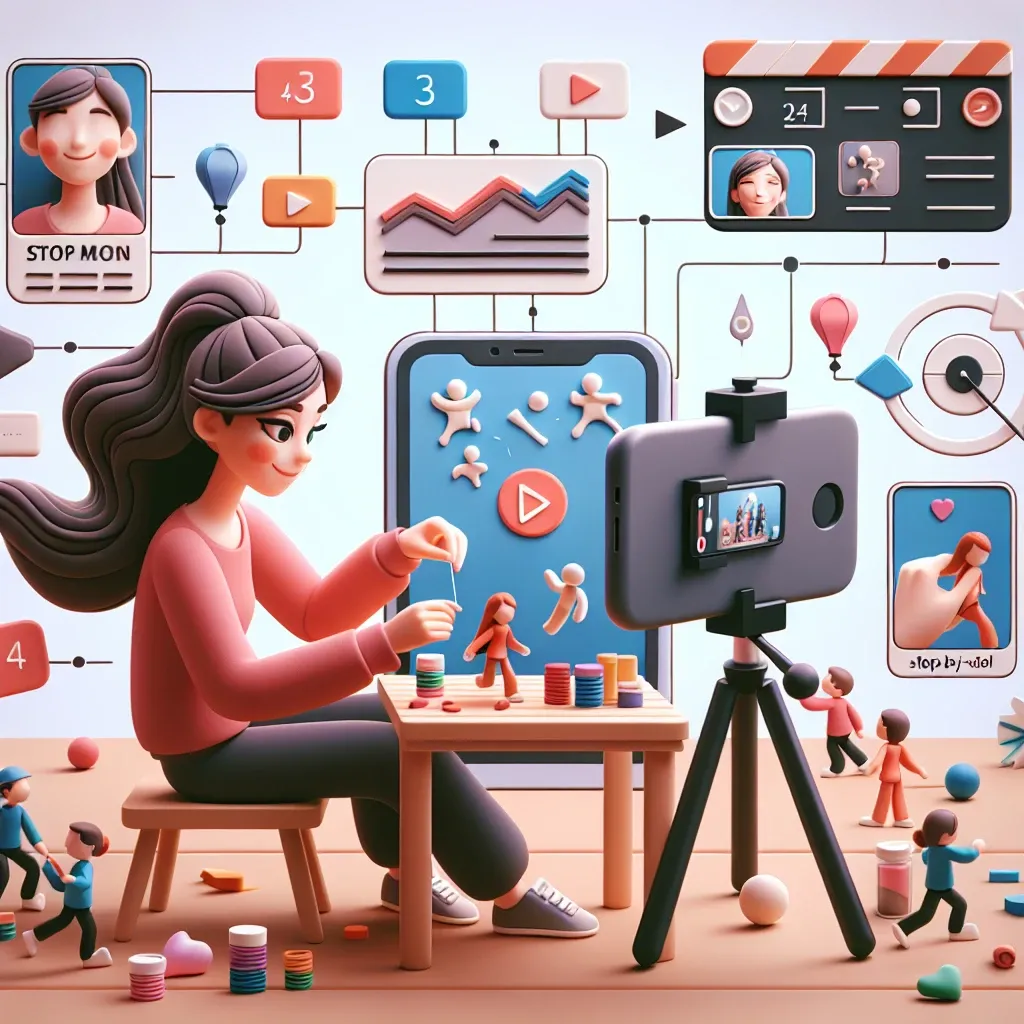
Introduction to Mobile Stop Motion Animation
Stop motion animation has captivated audiences for over a century, from the early works of Georges Méliès to modern masterpieces like Wallace and Gromit. What once required expensive equipment and professional studios can now be accomplished with a device that fits in your pocket – your smartphone. This revolutionary shift has democratized the art form, allowing aspiring animators to explore their creativity without breaking the bank.
The beauty of phone-based stop motion lies in its accessibility and immediacy. With the right techniques and applications, you can transform everyday objects into animated characters, bringing stories to life frame by frame. Whether you’re a complete beginner or looking to refine your skills, this comprehensive guide will walk you through every aspect of creating compelling stop motion animation using your mobile device.
Understanding Stop Motion Animation Fundamentals
Before diving into the technical aspects, it’s crucial to understand what makes stop motion animation work. This technique involves photographing objects in slightly different positions and playing these images in sequence to create the illusion of movement. The principle relies on persistence of vision – our brain’s ability to retain images for a fraction of a second after they disappear from view.
Traditional animation typically runs at 24 frames per second, but for beginners, shooting at 12 frames per second can produce smooth motion while requiring half the work. This frame rate consideration becomes particularly important when working with smartphones, as it affects both storage requirements and editing complexity.
The Psychology Behind Movement
Creating convincing animation requires understanding how objects move in real life. Observe how a ball bounces, how a person walks, or how fabric flows in the wind. These observations will inform your animation choices and help create more believable motion. The key principles include anticipation, where characters prepare for action, squash and stretch, which adds life to movements, and timing, which determines the speed and rhythm of actions.
Essential Equipment for Phone-Based Stop Motion
While your smartphone is the primary tool, several accessories can significantly improve your animation quality and workflow efficiency. The most critical addition is a sturdy tripod or phone mount. Camera shake is the enemy of stop motion animation, as even the slightest movement between frames can ruin the illusion of smooth motion.
Tripods and Mounting Solutions
Invest in a quality tripod with adjustable legs and a smartphone adapter. Look for models with flexible positioning options, as you’ll often need to shoot from unusual angles. Some animators prefer gorillapods with bendable legs that can wrap around objects or maintain stability on uneven surfaces.
Lighting Equipment
Consistent lighting is paramount in stop motion animation. Natural light changes throughout the day, creating unwanted flicker in your final animation. Consider investing in LED panel lights or desk lamps with adjustable brightness. Softbox attachments can help diffuse harsh shadows and create more professional-looking results.
Additional Tools
Small tools can make a significant difference in your animation process. Tweezers help position tiny objects precisely, while modeling clay or poster putty can secure lightweight items in place. A remote shutter release or your phone’s timer function prevents camera shake when taking photos.
Top Stop Motion Apps for Smartphones
The app you choose can make or break your animation experience. Different applications offer varying features, from basic frame capture to advanced editing capabilities. Here are the most popular and effective options for both iOS and Android platforms.
Stop Motion Studio
This app stands out for its user-friendly interface and comprehensive feature set. It offers onion skinning, which overlays previous frames to help with positioning, and includes audio recording capabilities for adding sound effects and music. The app also provides frame rate adjustment options and basic editing tools.
FlipaClip
Originally designed for traditional animation, FlipaClip excels at stop motion projects. Its timeline-based interface makes it easy to organize frames and add multiple layers. The app includes drawing tools for creating backgrounds or adding effects to your animations.
Life Lapse
This iOS-exclusive app focuses specifically on stop motion and time-lapse photography. It offers precise manual controls for exposure and focus, preventing unwanted changes between frames. The app’s grid overlay feature helps maintain consistent framing throughout your animation.
Setting Up Your Animation Workspace
Creating an effective workspace is crucial for producing high-quality stop motion animation. Your setup should prioritize stability, consistent lighting, and easy access to your subjects and phone controls.
Choosing the Right Location
Select a space where you won’t be disturbed for extended periods. Stop motion animation requires patience and concentration, as even a simple 10-second animation might take several hours to complete. Avoid areas with heavy foot traffic or where your setup might be accidentally disturbed.
Consider the background of your shots carefully. A cluttered background can distract from your main subject, while a plain backdrop helps focus attention on the animated elements. Colored paper, fabric, or even a blank wall can serve as effective backgrounds.
Lighting Setup Strategies
Position your lights to minimize harsh shadows while providing adequate illumination. The three-point lighting technique works well for stop motion: a key light as your main illumination source, a fill light to soften shadows, and a background light to separate your subject from the backdrop.
Avoid mixing different types of light sources, as they have different color temperatures that can create unwanted color shifts in your animation. If using natural light, work quickly or supplement with artificial lighting to maintain consistency.
Step-by-Step Animation Process
Creating your first stop motion animation involves several distinct phases, each requiring attention to detail and patience. This systematic approach will help ensure professional-looking results.
Pre-Production Planning
Start by sketching out your animation concept. Create a simple storyboard showing key moments in your sequence. This planning phase helps you visualize the final result and identify potential challenges before you begin shooting.
Consider the story you want to tell and how to convey it through movement alone. Stop motion excels at bringing inanimate objects to life, so think about how to imbue your subjects with personality through their movements and interactions.
Setting Up the First Frame
Begin by composing your opening shot. Ensure your phone is securely mounted and all lighting is properly positioned. Take a test shot and review it carefully – this first frame sets the foundation for your entire animation.
Enable grid lines in your camera app to help maintain consistent framing. Mark the position of key objects with small pieces of tape if necessary, as you’ll need to return items to specific positions throughout the animation process.
Capturing Frames
The actual animation process requires moving your subjects in small increments between each photo. The amount of movement depends on your desired frame rate and the speed of the action. For smooth motion at 12 frames per second, objects should move approximately 1/12th of their total distance in each frame.
Use your app’s onion skinning feature to see the previous frame while positioning objects for the next shot. This transparency overlay helps maintain consistent movement and prevents jarring jumps between frames.
Advanced Techniques and Creative Effects
Once you’ve mastered basic stop motion principles, you can explore more sophisticated techniques that add visual interest and storytelling depth to your animations.
Camera Movement and Perspective Changes
While keeping your phone stationary is important for object animation, planned camera movements can add dynamic energy to your sequences. Slowly adjust your tripod position between shots to create smooth pans or tilts. This technique works particularly well for revealing new elements in your scene or following moving subjects.
Morphing and Transformation Effects
Stop motion excels at impossible transformations that would be difficult or expensive to achieve with other animation techniques. Objects can appear to melt, transform into other shapes, or defy gravity entirely. These effects require careful planning and often involve creating multiple versions of objects in various states of transformation.
Incorporating Mixed Media
Combine different materials and textures in your animations for visual variety. Paper cutouts, clay figures, household objects, and even food items can all become animated characters. Each material offers unique movement possibilities and visual appeal.
Post-Production and Editing
The editing phase transforms your collection of still images into a cohesive animated sequence. Most stop motion apps include basic editing features, but understanding these tools helps you refine your final product.
Frame Rate Adjustment
Experiment with different playback speeds to find the right rhythm for your animation. Slower frame rates can create a dreamy, surreal quality, while faster rates produce more energetic movement. Some sections of your animation might benefit from different speeds to enhance storytelling.
Adding Sound and Music
Audio significantly enhances the impact of stop motion animation. Sound effects synchronized with movements make actions feel more substantial and believable. Background music sets the mood and helps maintain viewer engagement throughout longer sequences.
Record sound effects separately and sync them with your animation during editing. Simple sounds like footsteps, crashes, or whooshes can dramatically improve the viewing experience.
Common Challenges and Solutions
Every stop motion animator encounters obstacles during the creative process. Understanding common problems and their solutions can save hours of frustration and help maintain momentum on your projects.
Maintaining Consistency
One of the biggest challenges in stop motion animation is maintaining consistent lighting, framing, and object positioning throughout the shooting process. Small changes accumulate over time, creating unwanted flicker or jumping in the final animation.
Combat this by checking your work frequently. Most apps allow you to preview your animation as you work, helping you catch issues early. Take reference photos of your setup and lighting configuration so you can restore them if accidentally changed.
Dealing with Time Constraints
Stop motion animation is inherently time-consuming. A simple 30-second animation at 12 frames per second requires 360 individual photographs. Plan your projects realistically and break longer animations into manageable segments.
Consider creating shorter, complete animations rather than starting ambitious projects that remain unfinished. Completed short animations provide more satisfaction and learning opportunities than abandoned longer projects.
Sharing and Showcasing Your Work
Creating stop motion animation is only half the journey – sharing your work with others completes the creative cycle and provides valuable feedback for improvement.
Export Settings and Quality
Most stop motion apps offer multiple export options for different platforms and purposes. Higher resolution exports look better but create larger file sizes that may be difficult to share or upload. Consider your intended audience and distribution method when choosing export settings.
For social media sharing, square or vertical formats often work better than traditional horizontal video. Many apps now include preset export options optimized for popular platforms like Instagram, TikTok, or YouTube.
Building an Online Presence
Social media platforms provide excellent venues for sharing stop motion work and connecting with other animators. Use relevant hashtags to help others discover your content, and engage with the stop motion community by commenting on and sharing others’ work.
Consider creating behind-the-scenes content showing your animation process. Many viewers find the creation process as fascinating as the finished animation, and this content can help build a following interested in your work.
Conclusion: Your Journey into Stop Motion Animation
Creating stop motion animation with your phone opens up a world of creative possibilities that were once accessible only to professional studios. The combination of readily available technology, user-friendly apps, and unlimited creative potential makes this an exciting time to explore this timeless art form.
Remember that every professional animator started with simple projects and gradually developed their skills through practice and experimentation. Don’t be discouraged if your first attempts don’t match your vision – each project teaches valuable lessons that improve your next creation.
The key to success in stop motion animation lies in patience, persistence, and playfulness. Embrace the meditative nature of the frame-by-frame process, and don’t be afraid to experiment with unconventional subjects or techniques. Your unique perspective and creativity are the most important tools in your animation toolkit.
Start small, think big, and most importantly, have fun bringing your imagination to life one frame at a time. The world of stop motion animation awaits your creative vision, and your smartphone is the perfect gateway to begin this exciting journey.
Leave a Reply