
Digital assistants like Siri, Google Assistant, and Alexa have transformed how we interact with our smart homes, offering a seamless way to control devices through voice commands or mobile apps. This guide will help you set up and utilize these digital assistants to optimize your smart home experience.
Setting Up Your Digital Assistant
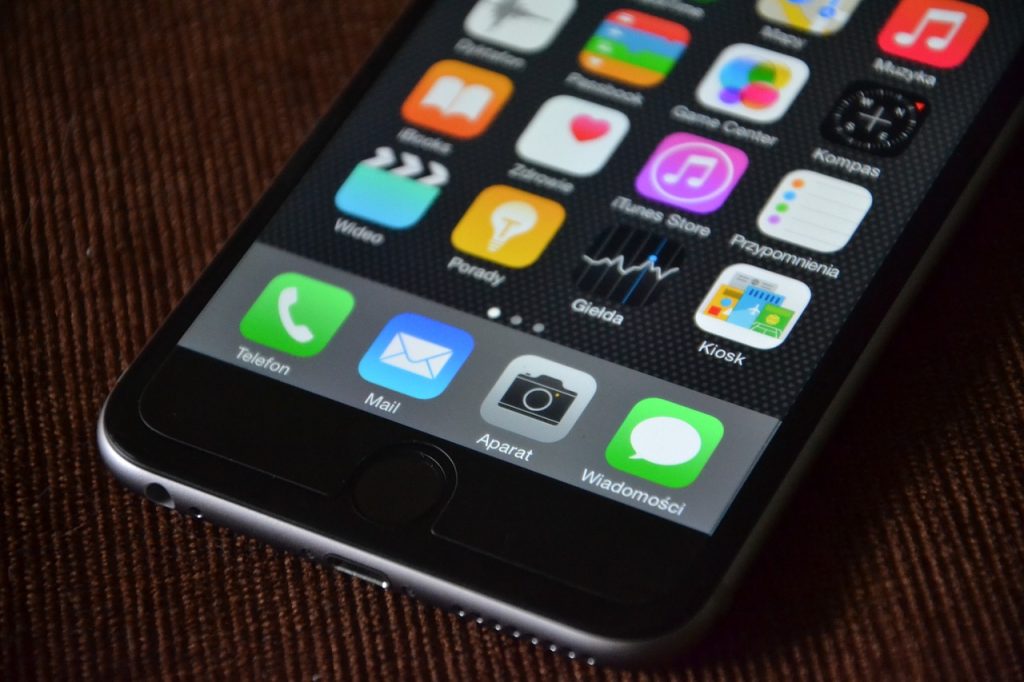
To begin using a digital assistant, you first need to configure it on your device. For Siri, make sure your iOS device is up to date and enable Siri by going to Settings > Siri & Search, then toggle on Listen for “Hey Siri”. Follow the prompts to set up voice activation.
For Google Assistant, download the app from the App Store or Google Play Store. Open the app and link your Google account, then install the Google Home app to manage and connect your smart devices.
If you’re using Alexa, install the Amazon Alexa app and sign in with your Amazon account. Follow the instructions in the app to set up Alexa and connect your smart home devices.
Integrating Smart Home Devices
Once your digital assistant is set up, you’ll need to integrate your smart home devices. This process allows your assistant to control various devices through voice commands. For Siri, use the HomeKit ecosystem. Open the Home app, tap the + icon, and follow the prompts to add new accessories by scanning their HomeKit setup codes or entering them manually.
With Google Assistant, use the Google Home app. Tap the + icon, select Set up device, and follow the instructions to link your smart devices and services.
For Alexa, access the Alexa app, tap the Devices tab, and select Add Device. Choose the device type and follow the setup instructions to connect it.
Using Voice Commands for Smart Home Control
Once your devices are integrated, you can use voice commands to control them. For Siri, commands like “Hey Siri, turn off the living room lights” or “Hey Siri, set the thermostat to 72 degrees” allow you to manage devices easily.
Google Assistant users can say “Hey Google, lock the front door” or “Hey Google, dim the lights to 50%” to control their smart home.
With Alexa, you can use commands such as “Alexa, turn on the coffee maker” or “Alexa, set the temperature to 68 degrees” to adjust your smart devices.
To enhance efficiency, you can set up routines or automations that trigger multiple actions with a single command or at specific times. For Siri, use the Home app to create automations. Tap the Automation tab, then the + icon, and set up triggers and actions like turning off all lights when leaving home.
Google Assistant allows you to create routines in the Google Home app by tapping Routines, then the + icon. Define triggers and actions, such as starting the coffee maker and playing the news with a “Good Morning” command.
In the Alexa app, go to More > Routines, tap the + icon, and define triggers and actions for your routine, such as turning on lights and adjusting the thermostat at a certain time or with a specific command.
Managing Security and Privacy

Security and privacy are crucial when using digital assistants. Keep your devices and apps updated to protect against vulnerabilities, and use strong, unique passwords. Enable two-factor authentication where possible to enhance security.
Review permissions granted to each app and device, and be aware of the data they collect. Most digital assistants offer settings to manage data storage and usage, helping you control how your information is handled.
Using digital assistants to control your smart home can greatly enhance convenience and efficiency. By setting up your assistant, integrating devices, and creating routines, you can streamline your home management and enjoy a more connected living space. Prioritizing security and privacy will ensure your smart home experience remains safe and reliable.
Leave a Reply